Back to How To

How to Stream Realtime to LiveLitigation

Instructions for setting up RealtimeCapture and streaming to an event.
1. Download and Install

  1. Click on Downloads in the navigation menu.
  2. Download and install RealtimeCapture.
RealtimeCapture Download Screen

2. Protocol and COM Port Setup

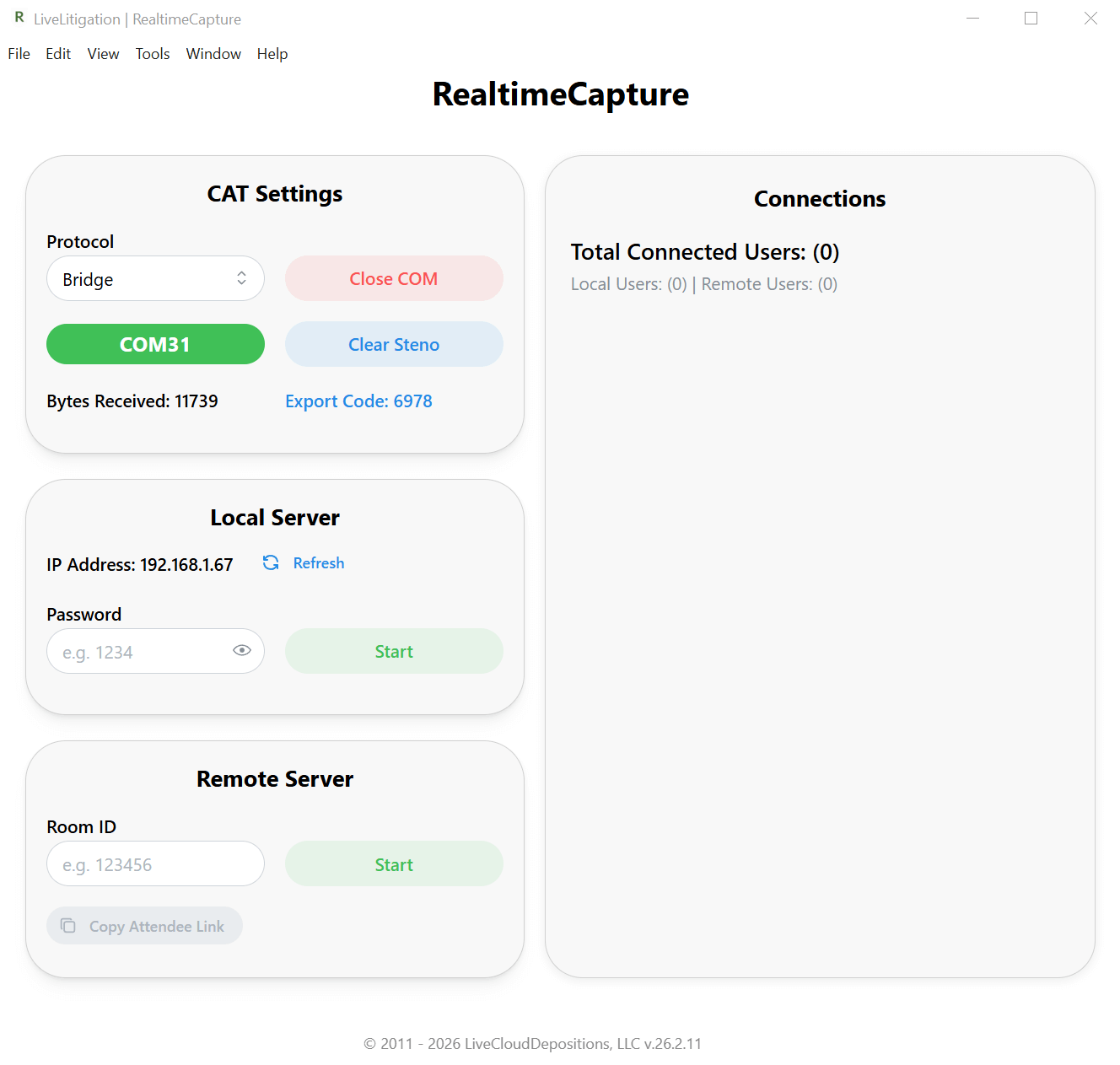
  1. Open RealtimeCapture and select either Bridge or Caseview as your protocol.
  2. Ensure the verified COM Port is displayed (Default is usually COM31).
  3. In your CAT Software, configure the realtime output to match this protocol and port.
    • Example: Bridge @ 38400 baud on COM31
    • Example: Caseview @ 2400 baud on COM31
  4. Begin writing on your steno machine. You should see the Bytes Received value increasing in RealtimeCapture.

    If the value is not increasing, please double-check your CAT software's COM port settings.

3. Connect to Event

To connect to the remote event:

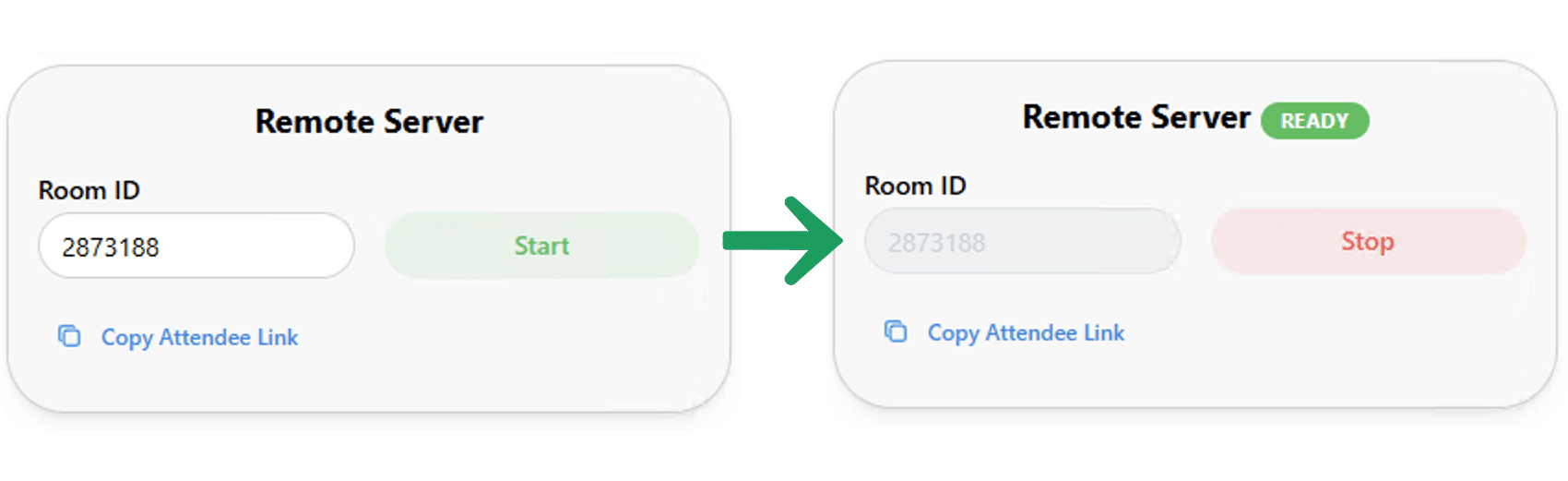
  • Enter the Room ID for the room you are streaming to.
  • Click Start to begin streaming.
RealtimeCapture Connection Screen